
This isn’t the first place this issue has been documented, nor will it be the last place, but it reared its monstrous ugly head the other day.
A Revit user was printing out individual PDFs from floor plans, and reported that the filesize was HUGE. I was dubious at the hugeness, so I grabbed a couple and took a look:
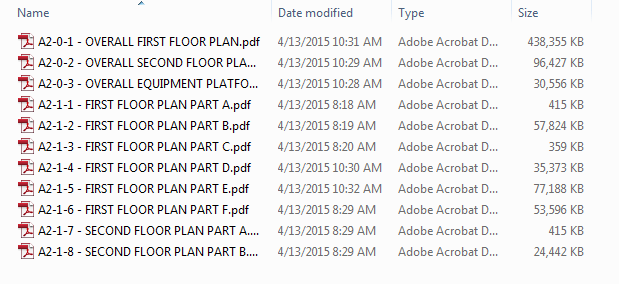
OK. So maybe they were a little big.
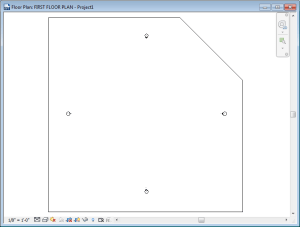
Some of you probably already know the issue. It turns out, if you use a non-rectangular crop region and print a sheet, some PDF print drivers freak out, exploding your file size.
It feels like a lot of them are getting better, but these users were using a recent version of PDF Creator (because we really like the price) and still getting these results.
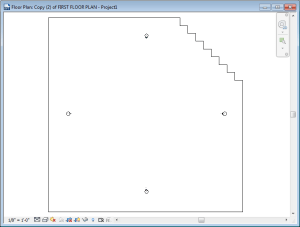
Printing the PDF again as a PDF seemed to trim a lot of the file size. Also using a “stepped” edge instead of an “angled” edge helped out as well. Which was weird.
Hopefully this will clear itself up eventually, and this post can be something we all can look back on and laugh and laugh and laugh.
 Design Tech Field Guide