

Revit acting a little funny? How long has it been since you rebooted? It might be time again.
Something else to check would be to clear out your TEMP folder. Make sure Revit is closed and click START and go to RUN (or press the Windows key + R). Type in %TEMP% and hit OK. That folder is your TEMP folder. Select all the files and delete them all. Windows will need to skip some, that’s OK.
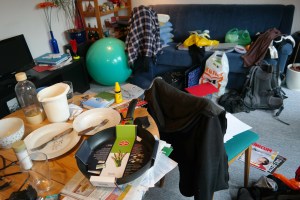
We found that there are some ghosts that get cleaned up nicely when you periodically scrub your TEMP folder. Revit (and other Windows apps) is (are) supposed to keep this clean on their own, but like the typical teenager, sometimes they need help keeping their room clean.
 Design Tech Field Guide