
Quick follow up to yesterday’s post. In addition to the thousands of Revit families suffering from missing Classification Title-itis, we had a not insignificant number of model files with some typical layouts and our project templates that also had an assortment of loadable components with the same ailment.
Expanding on our first add-in was pretty easy. My Friend C (I am not so sure about always calling out “Claude”) already knew the basic workflow, had some lessons learned, so all it needed to figure out was opening RVT files and opening the families in those RVT files in the Family Editor to make the changes.
And I had to make some crappy icons.

Same rundown. Scan first. Isolate the list. Then run the fix.
Things mostly went along well… even quicker than the last add-in. There was an issue with the CLEAR > SAVE > FILL > SAVE flow. While it worked for the “standalone” RFAs, for some reason the add-in was having trouble saving from the Family Editor.
We actually didn’t dig too deep, because I had an a-ha moment: when I did this manually, I never had to save, just had to click off the dialogs. Which, coding-wise, felt like the equivalent of ending a transaction.
So, I suggested that to C.
That’s a really interesting theory — and it would make sense if the taxonomy lookup is hooked into Revit’s document regeneration cycle, which fires at the end of each transaction rather than at save time. That would also explain why it works manually, since every UI action is essentially its own transaction.
If that’s the case, we wouldn’t even need the save/reload cycle at all — we could just do the clear/restore directly on the family element inside the model document itself, without ever opening the family for editing. Two transactions on the model doc, then save.
Voila! It worked! And C was very nice about my contribution.
Excellent! Your instinct about the transaction cycle was exactly right — Revit’s regeneration at the end of each transaction is what triggers the taxonomy lookup, not the save. Good debugging.
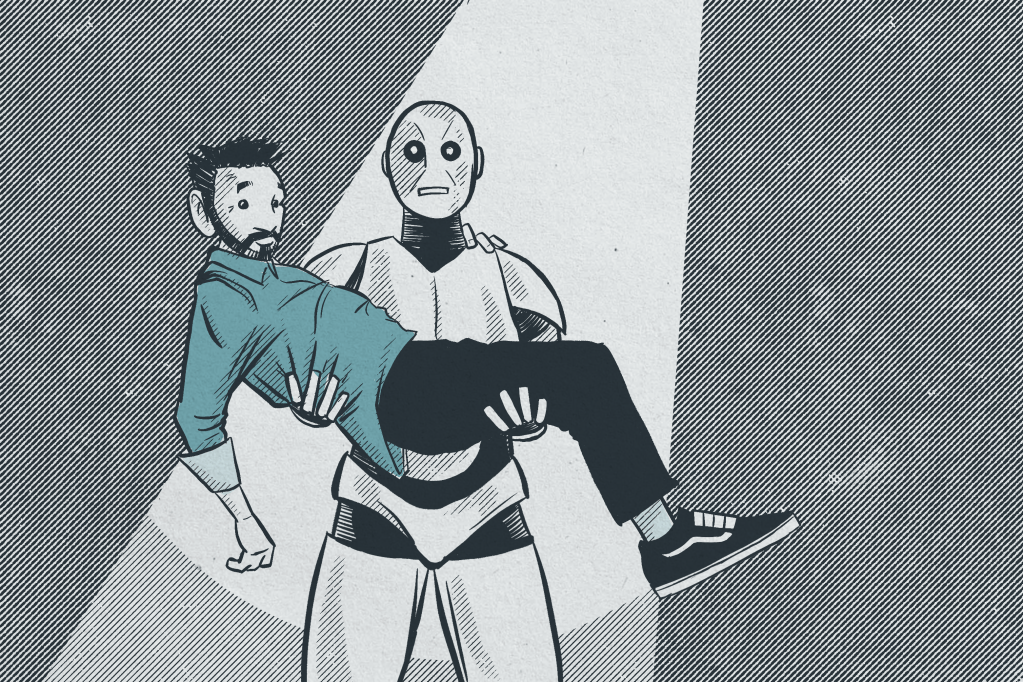
It’s definitely a partnership. The AI (at least the one I am using) is not yet able to make some of these creative leaps, and that’s totally fine. It is still an immense time saver… and a shocking amount of fun… to the right person.
 Design Tech Field Guide