
Helpdesk gets a bad rap, and over the years Autodesk helpdesk has gotten its fair share of attacks over the level of support.
Credit where credit is due: I had a very odd issue with Revit recently, and Autodesk support came through in just a couple of days. And it was one of those issues where I never would have gotten the fix on my own.
Revit was having issues with linking to models in External Resource. I was working in a file on BIM360/ACC/Forma(Buzzsaw?), and wanted to link in another file. I could navigate to the cloud project in the dialog box, but when I selected the model to link, the path would change to my desktop. Which, of course, is where the model was not.
Super weird. And it was in both 2026 and 2025. So it wasn’t a Revit thing.
I updated all the Revits. Turned off all my add-ins. Still no luck.
I updated Windows. Made sure I had the latest Autodesk license thing installed. No dice.
I begrudgingly opened a ticket. Ugh. I am pretty sure that I rolled my eyes.
I had a couple emails back and forth. It was the things I had already tried, but you gotta play the game. And then came a very unexpected question from the agent:
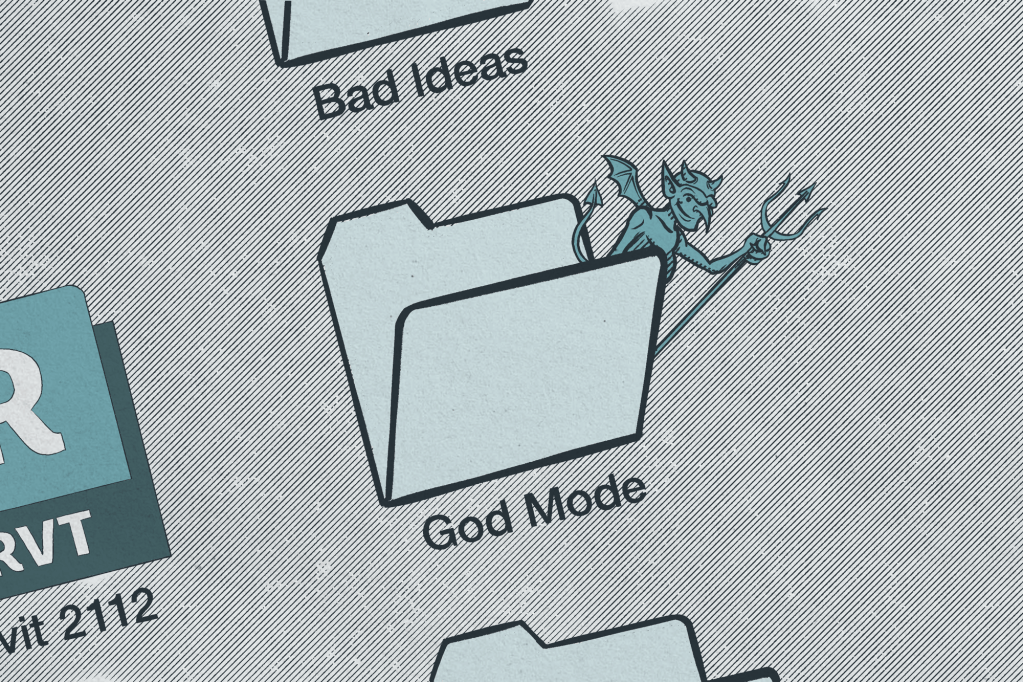
“Do you have God Mode on?”
Wait. I do. I do have God Mode on.
God Mode in Windows is a little secret folder you can make that consolidates all of your Windows settings. It’s more of a curiosity for me, but yeah, I had it active.
“Can you move it to another folder or delete it?”
Sure.
Wait. That worked. It totally fixed it. I don’t even think I had to restart Revit, although I probably did.
Apparently there is an article on just this thing in the Autodesk KB. Why my searches didn’t turn this page up is a different issue, but kudos to Autodesk Customer Support. I’ll dial down my eyerolls in the future.
 Design Tech Field Guide